On / Off / Light level
Simple and necessary, delivered in a solid, seamless format you can trust across rooms or a whole campus.


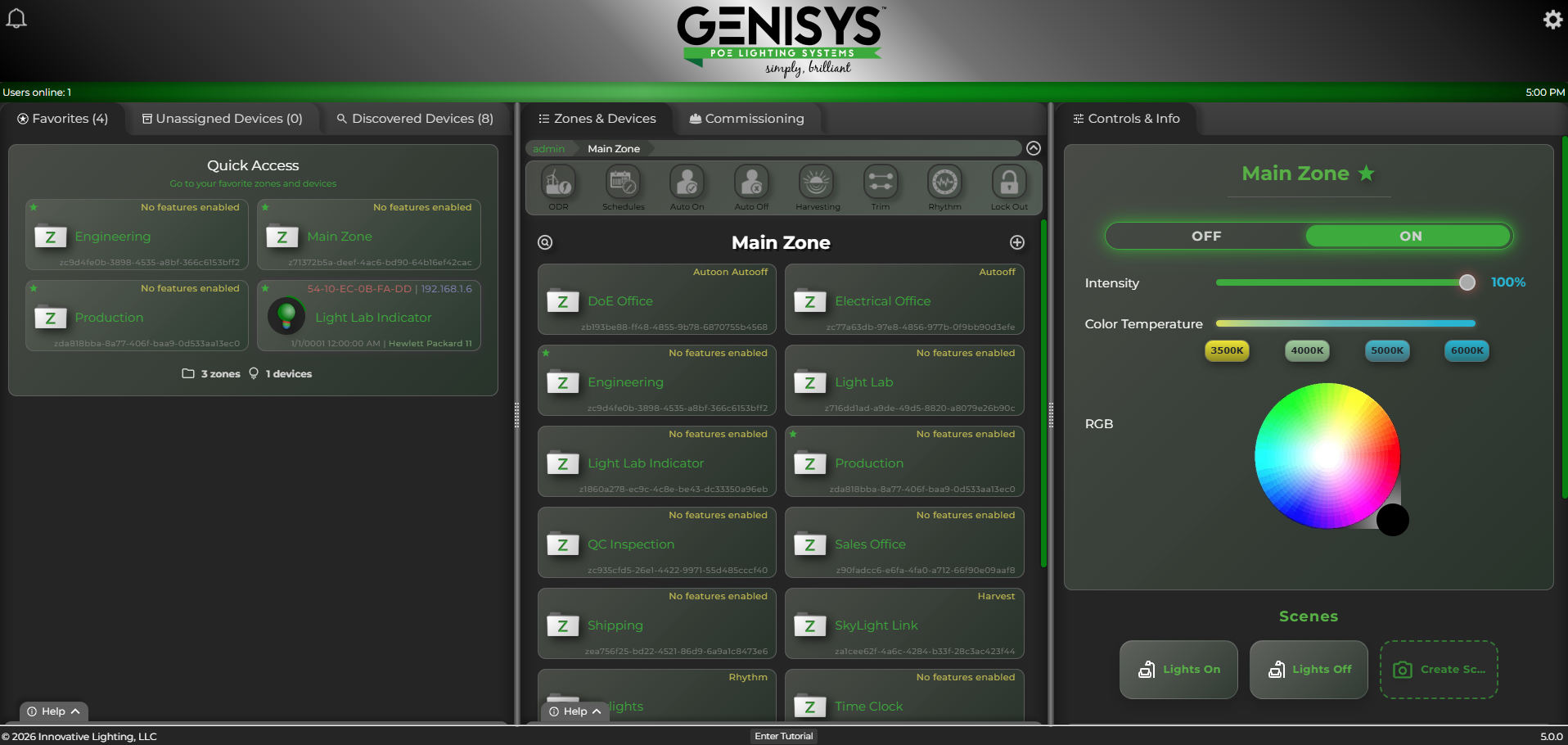
Putting the fun in function.
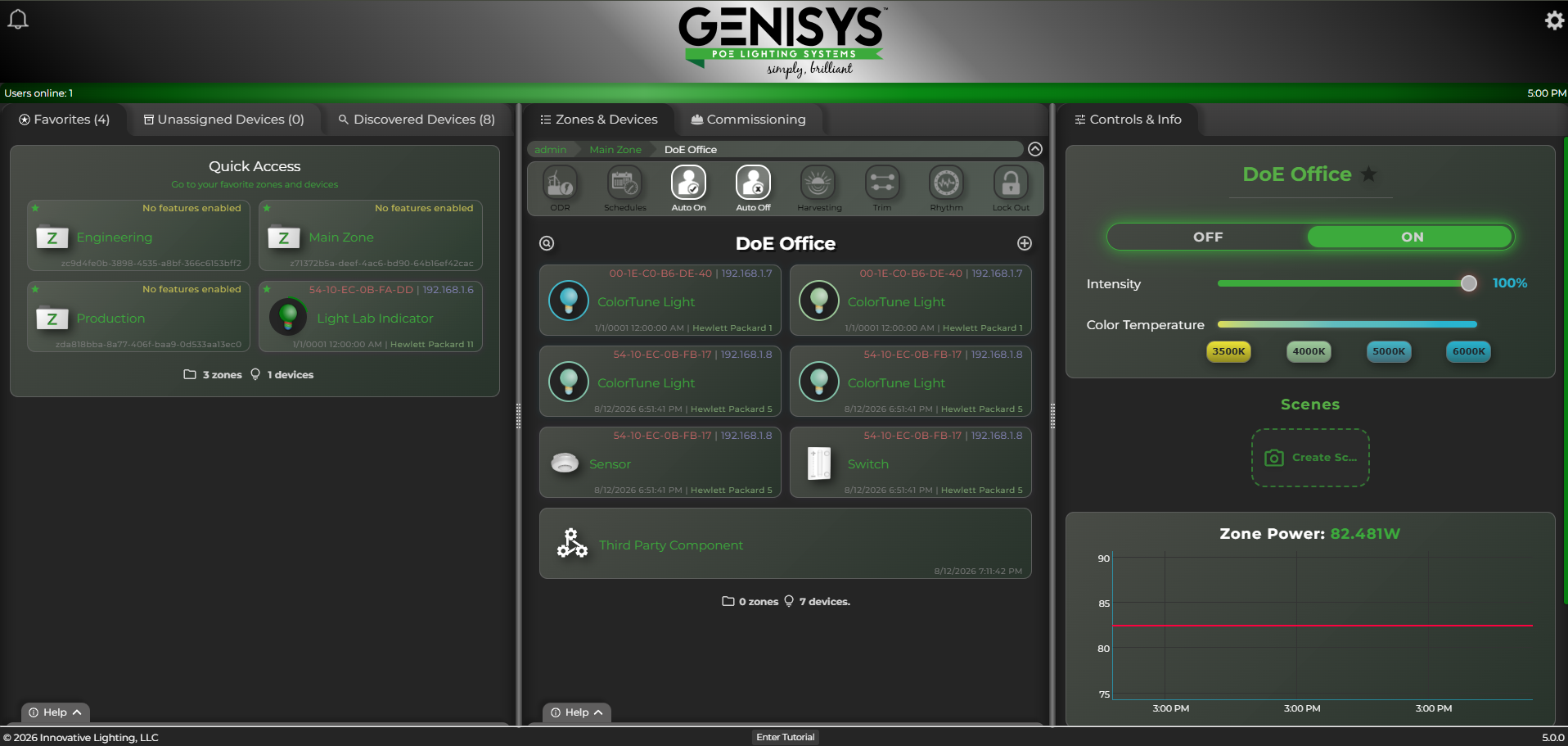
Hardware brings your lighting to life. Software gives you the keys. From one screen you run zones, ColorTune, RGB, intensity, and scenes. The same toolbar holds schedules, occupancy, harvest, trim, and Rhythm.
Simple and necessary, delivered in a solid, seamless format you can trust across rooms or a whole campus.
Sensors detect when spaces are occupied or vacant and adjust lighting based on your settings.
Transform areas into zones and assign fixtures plus control hardware exactly where they belong.
Ambient light is detected via sensors, then fixtures raise or dim to keep levels right where you want them.
Create automated schedules that match how the building actually runs and make energy savings easy.
Set maximum and minimum light levels for users and spaces so nobody overdrives or underlights a zone.
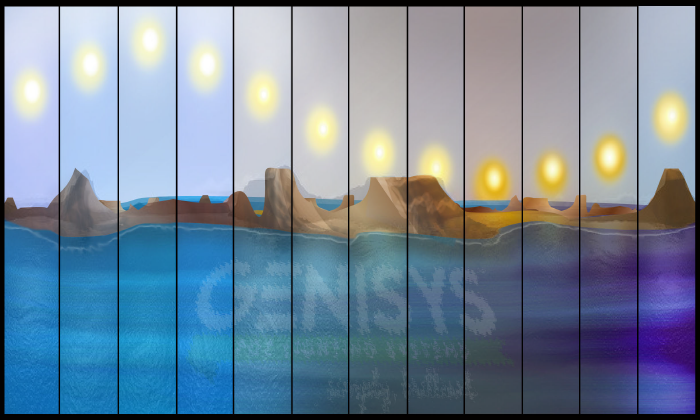
Leveraging ColorTune fixtures like the Leaf troffer, Rhythm mimics the natural light cycle of the day. Morning starts warm and low, shifts cooler midday, then glides back as evening approaches.
GENISYS can use sensors to match real-world light cycles, or users can set their own Rhythm preferences. This is a must-see feature.
Traditional AC systems slam lights on and off. In GENISYS, ramping eases a fixture up or down so the change feels more like natural light. Set on and off fade times per device, then cap high and low trim so a zone never overdrives or underlights.
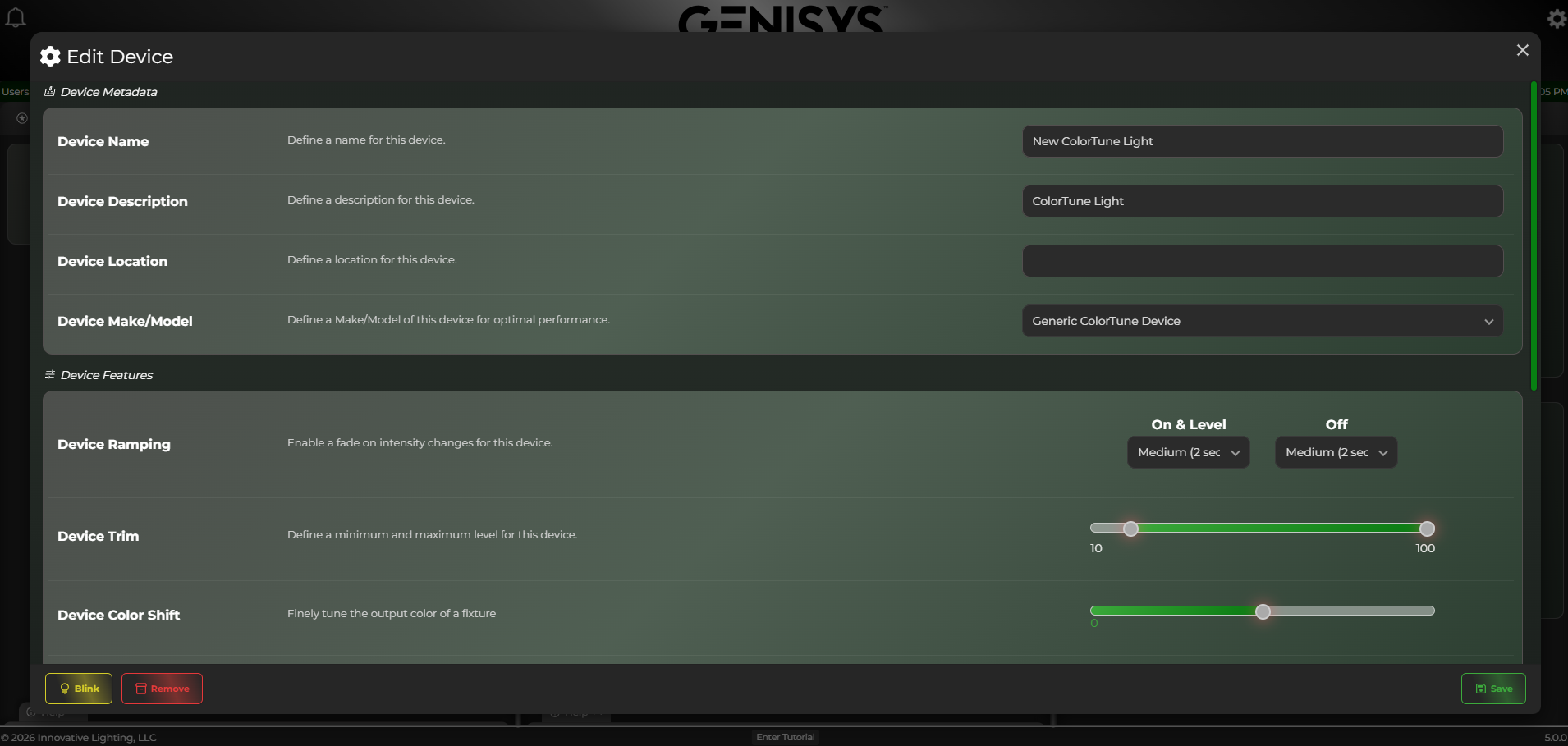
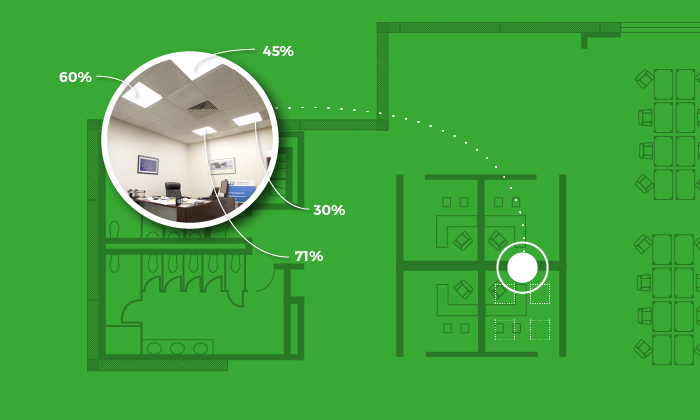
Prioritize the fixtures people actually use and ease the periphery. Keep desk lights around 80% while dimming the edges to 30%, and guests will not even realize the room has been optimized.
ActiveLight is another strategy to push lighting energy savings beyond 90% versus traditional systems.
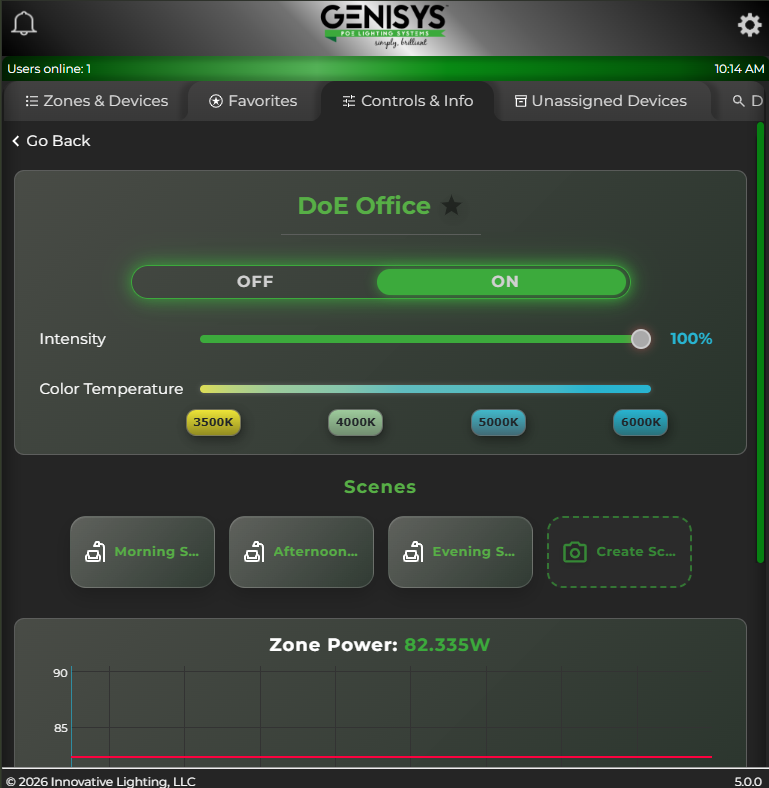
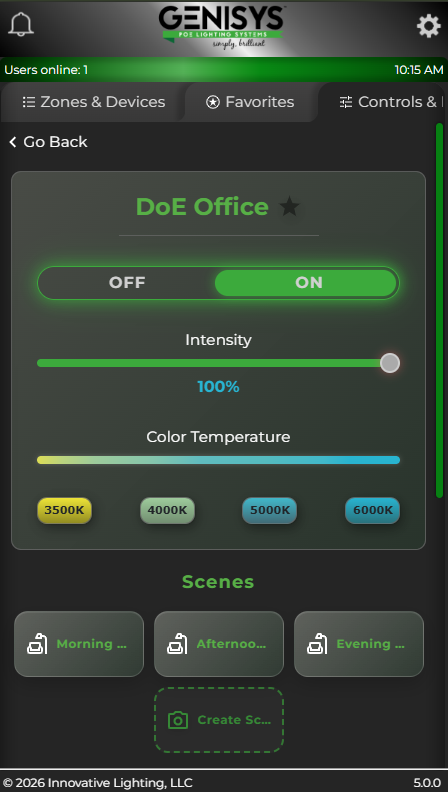
Giving people control of their own lighting improves mood and performance. Open a zone on a tablet or phone and you get on/off, intensity, ColorTune presets, and scenes without handing out admin access to every room.
Administrators can always grant more access when the job calls for it.
The same zones, favorites, and controls follow you from the workstation to a tablet in the room to a phone in your pocket.
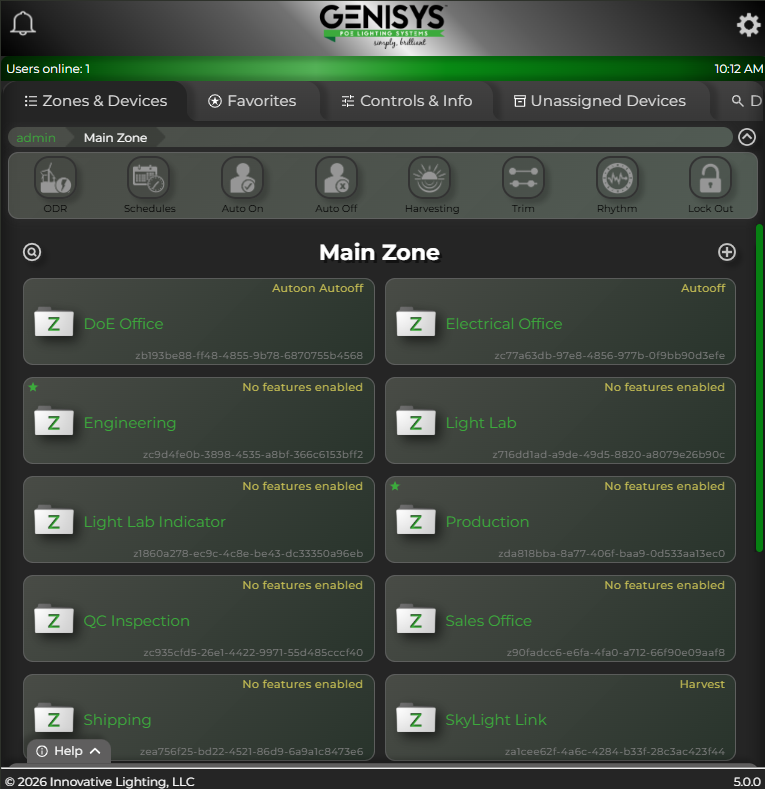
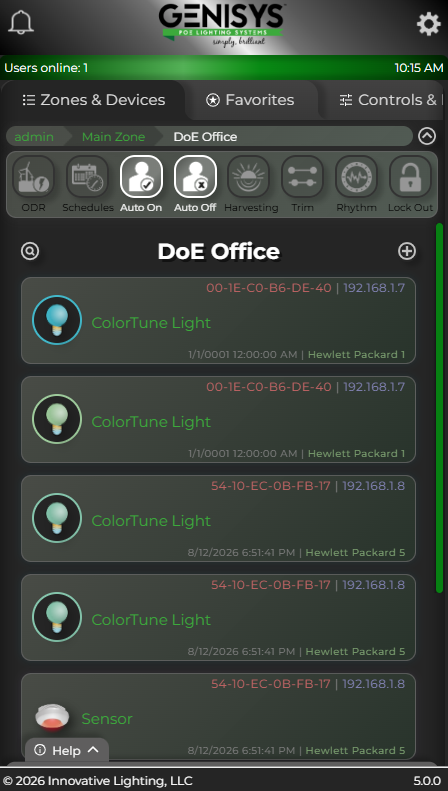
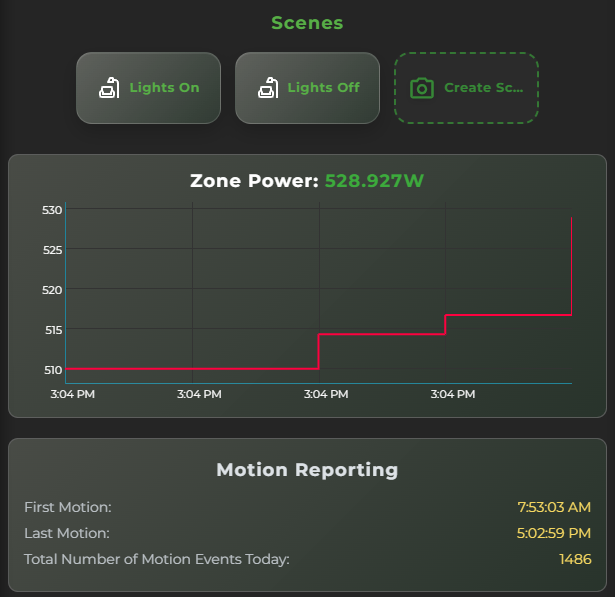
Each zone graphs live power so you can see watts move when lights come on. Motion reporting lists first occupancy, last occupancy, and how many events hit the space today.
Need the wider picture? System analytics still pause, zoom, and export CSV when you want the numbers off the screen.
Fixture and control locations are set in software, so commissioning matters. New hardware shows up as discovered devices. Blink an IntelliDrive to find it in the ceiling, add it to the system, then drop ColorTune fixtures, sensors, and switches into a zone.
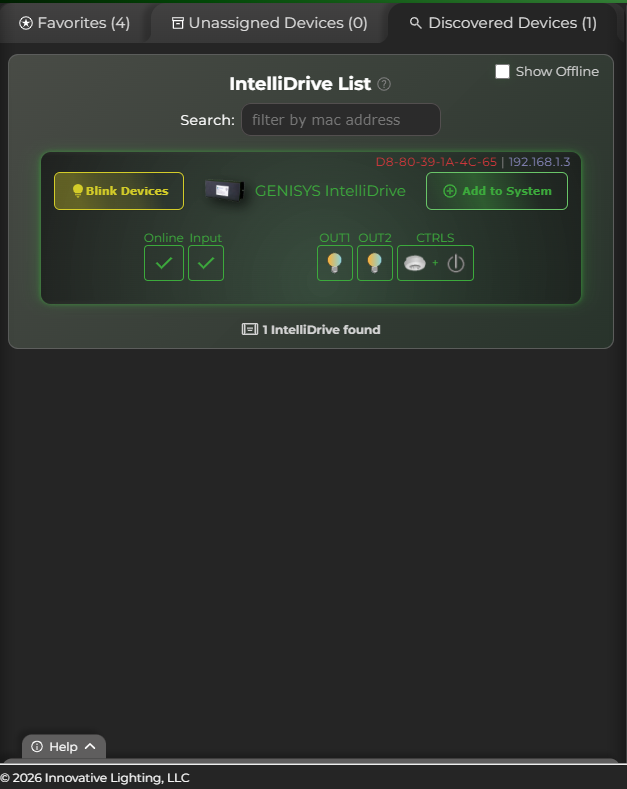
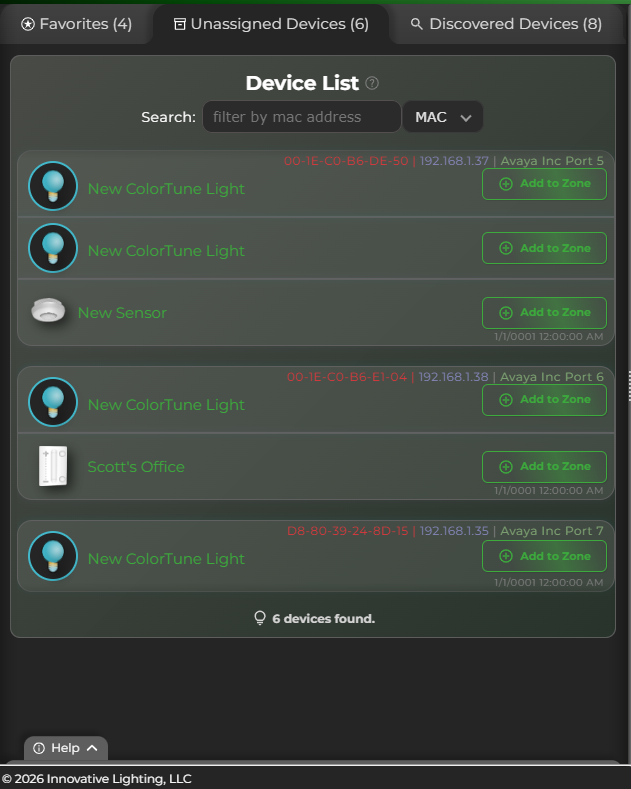
A zone can hold ColorTune fixtures, a sensor, a wall switch, and an approved third-party component on the same screen. Control approved AC light fixtures, accept input from third-party switches, and remap switch functions with software presets.
LED luminaires engineered for Power over Ethernet control.
Learn moreThe ceiling hub that powers and controls fixtures and devices.
Learn moreSensors and wall stations that feed the software layer.
Learn moreWhy networked lighting feels smarter than simple on/off.
Learn moreOverwhelmed? Already have a handle on PoE? Call or message us and we will help clear up any lingering curiosity. The Magic Number: 515-777-7444